

Introducing terraForge, our own plotter software
We've been building this quietly for a while, so here's the news: terraPen now has its own plotter software.
terraForge is a free, open-source G-code app for 2D artwork. Import SVG or PDF, position it on the bed, and generate optimised G-code — then use it however suits your setup: as a standalone slicer for any machine that takes G-code, with live connection and control for a FluidNC-based plotter, laser, or mill, or as the full experience with a terraPen.
Download terraForge v1.4.0
Free and open source · Windows, macOS & Linux
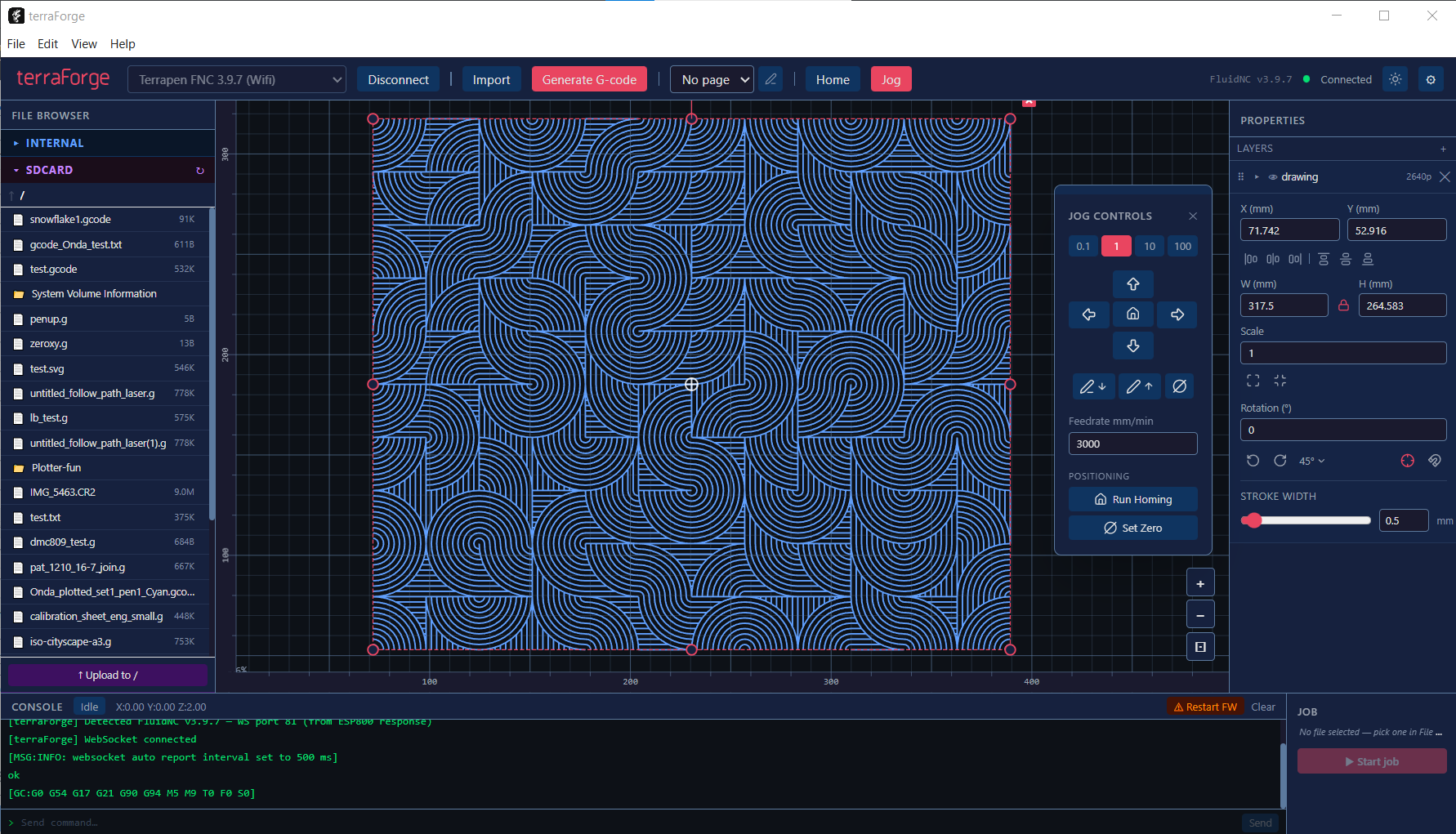
See it in action
What it does
- Import SVG and PDF — full SVG shape support, physical unit detection, Inkscape sub-layer detection, and vector PDF import
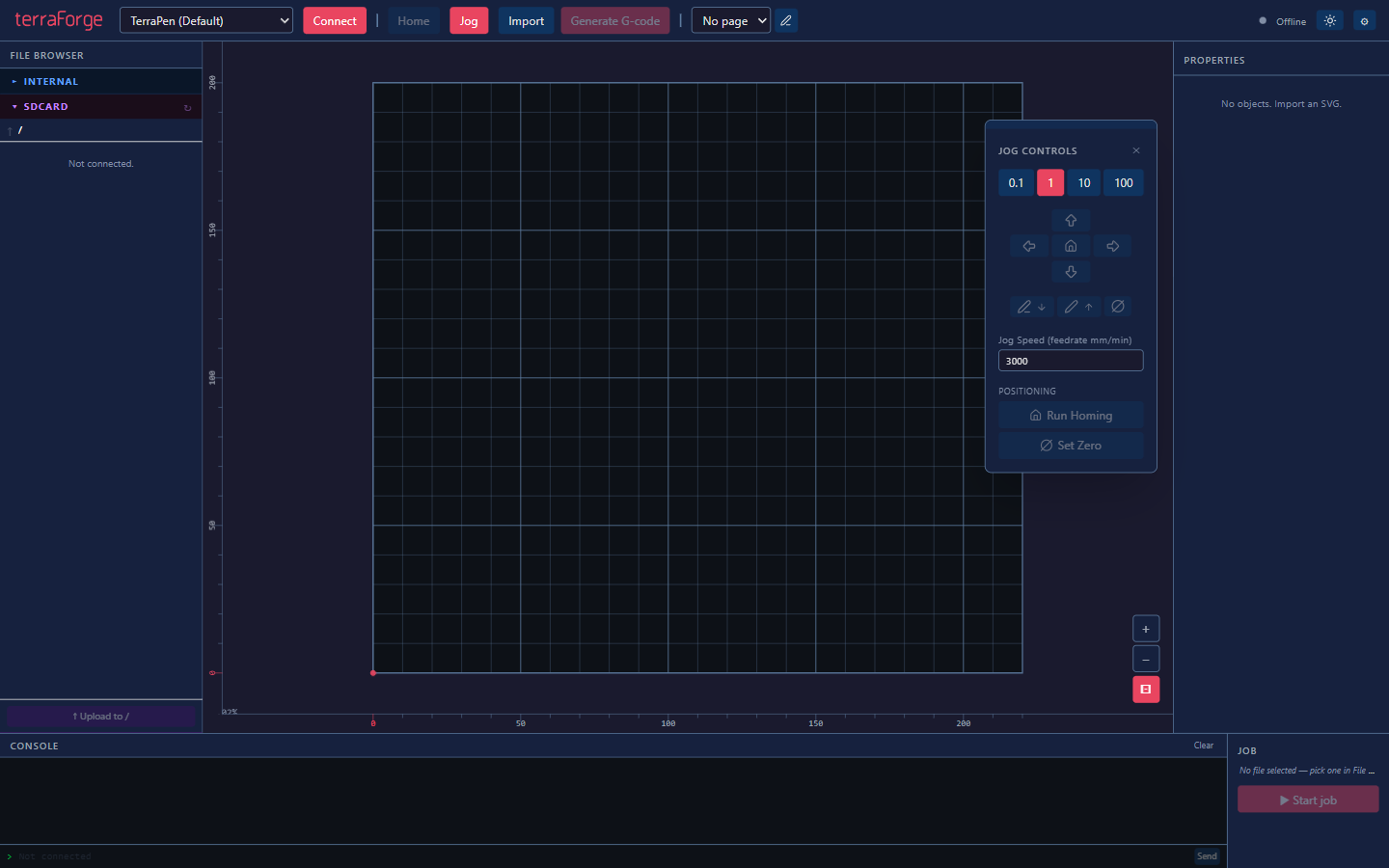
- Position and edit on a real bed view — drag, scale, and rotate imports with an 8-handle bounding box, fit-to-bed, and 1:1 reset
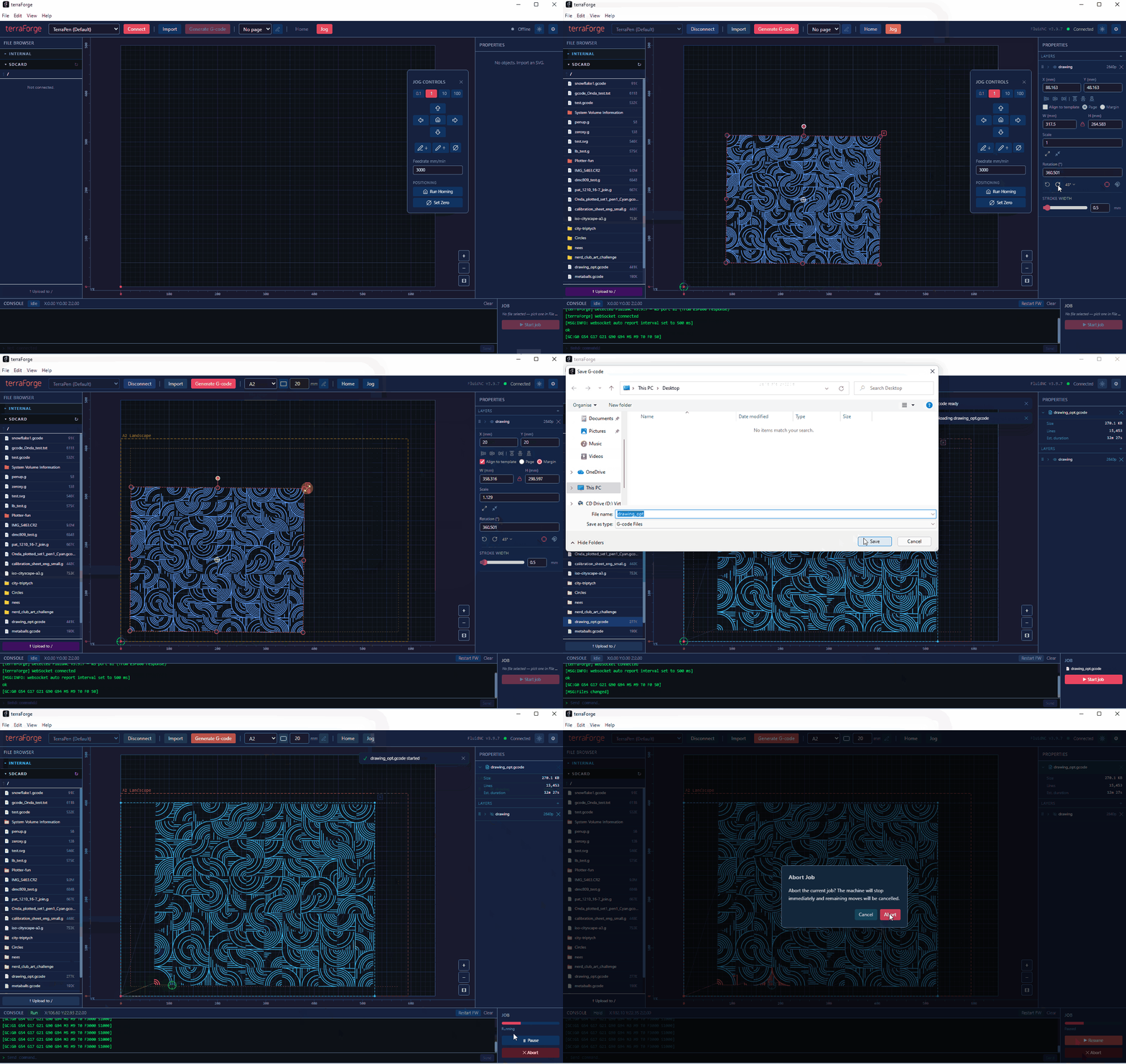
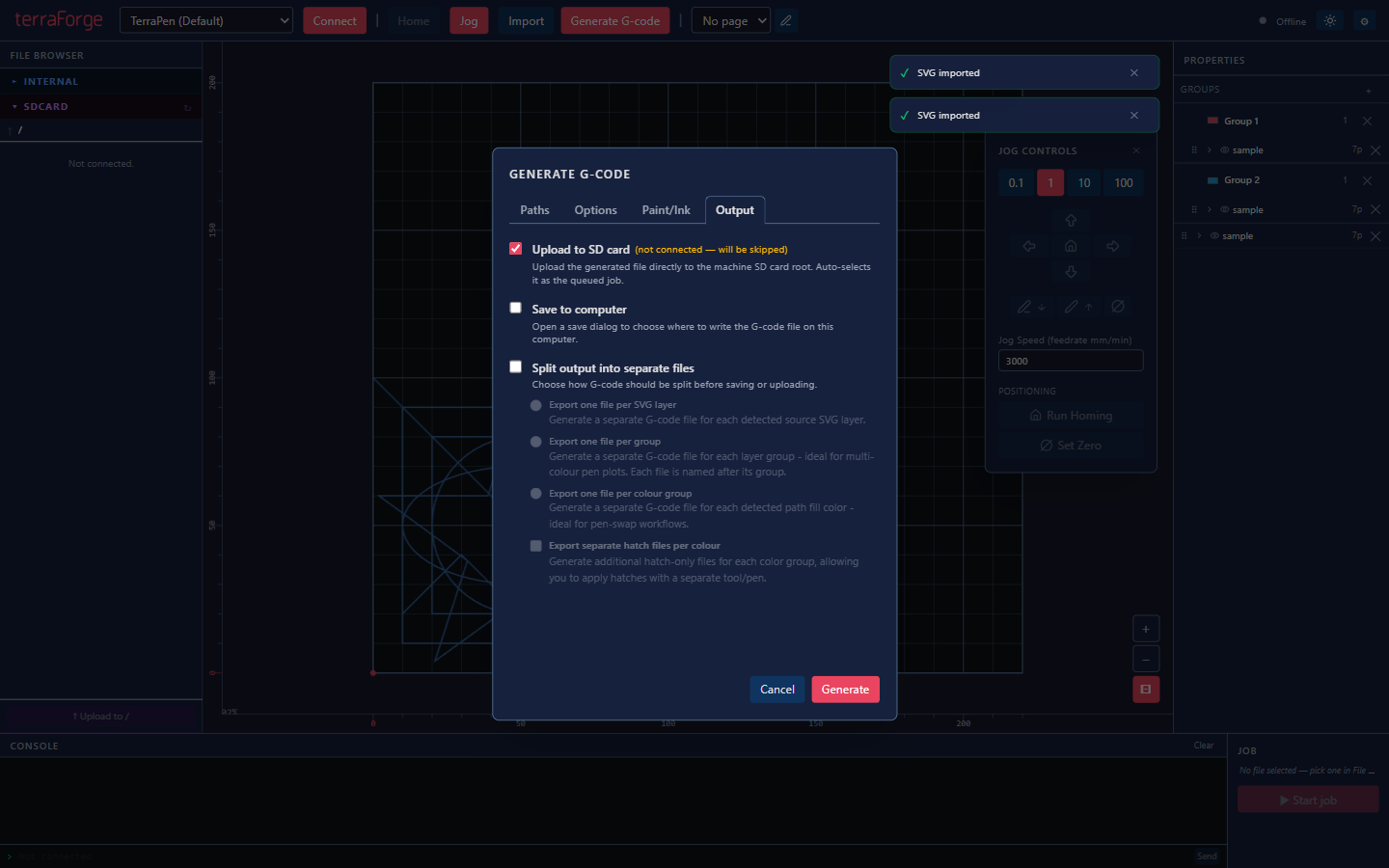
- Generate G-code in the background — runs in a Web Worker so the UI never blocks, with nearest-neighbour path optimisation and per-layer output for multi-pen plots; export it for any G-code machine, no connection needed
- Connect over Wi-Fi or USB — talks to FluidNC over WebSocket, or plug in over USB serial; auto-reconnects if the connection drops
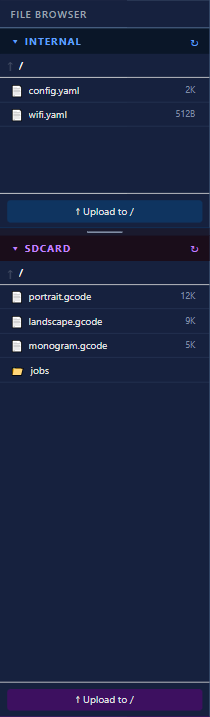
- Browse the machine's files — see what's on internal flash or the SD card, upload, download, delete, or queue a job with one click
- Control the job — start, pause, or abort, with live progress and a real-time console
- Jog from the app — a floating jog panel with configurable step size and feedrate, homing, and set-zero
- Dark and light themes, multiple named machine profiles, and save/open layout files
Three ways to use it
Standalone G-code slicer — import SVG or PDF, generate clean G-code, and export it for any machine that reads G-code. No connection required.
Live control for FluidNC machines — connect over Wi-Fi or USB to any plotter, laser, or mill running FluidNC, and get full control: jog, home, run jobs, watch live progress, and browse the machine's files.
The full experience with terraPen — the same free app, tuned end-to-end for terraPen — including terraDial, if you've got one.
Screenshots
Download
terraForge is free and open source under the MIT license, built for Windows, macOS (Intel and Apple Silicon), and Linux.
v1.4.0 is out now as the latest stable release. Browse all releases or jump straight to v1.4.0.
Source code, full documentation, and the issue tracker live on GitHub.
Requirements
- Nothing extra to generate G-code — terraForge runs standalone as a slicer
- A built FluidNC controller reachable over Wi-Fi or USB, for live connection and control
- Windows, macOS, or Linux, and Node.js 24+ if building from source
We'd love to see what you make with it — tag us or drop into Discord.